
One switch for every app. A list for the web.
The zones handle the everyday. For dinner, bedtime or a bad day there is Block All, and for the sites that should not open at all there is Web Blocking.
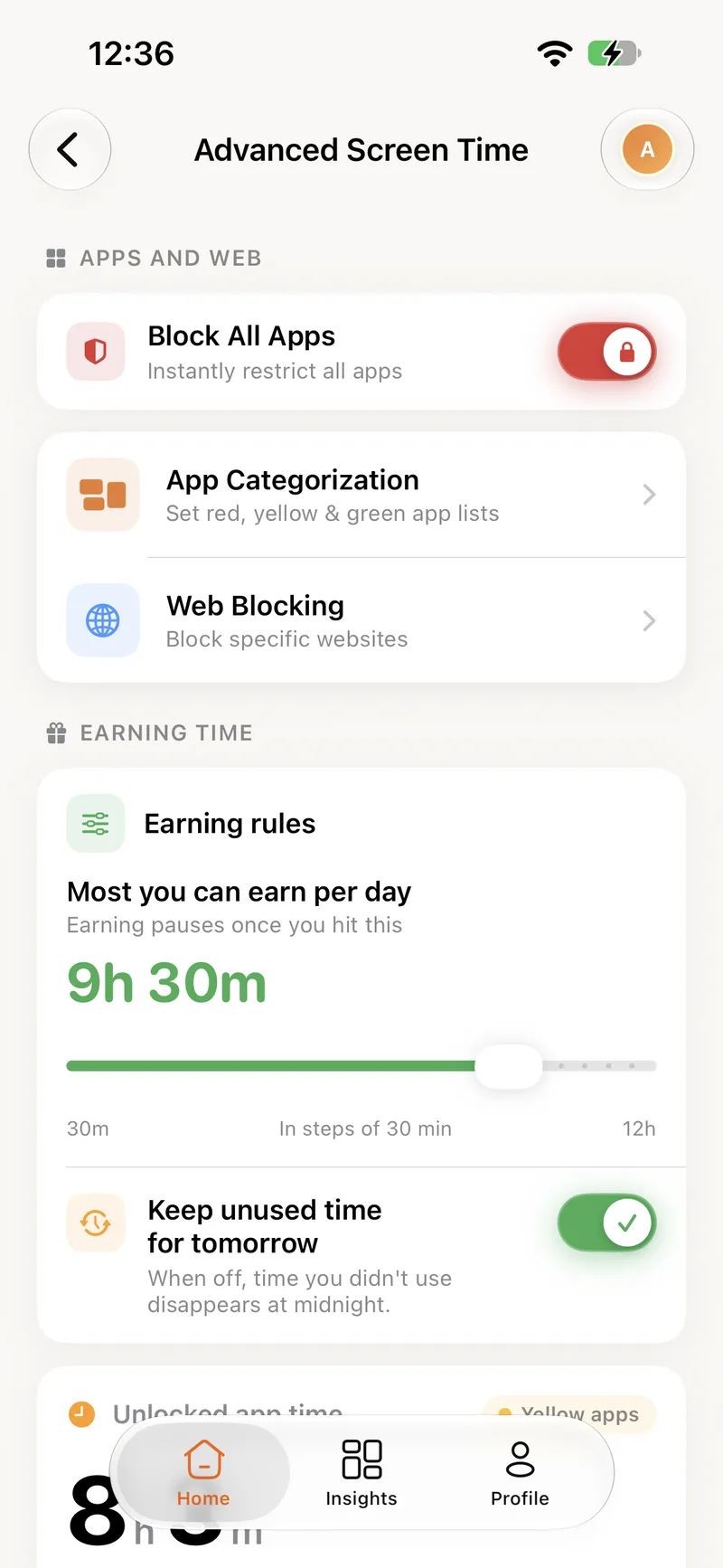
Instantly restrict all apps
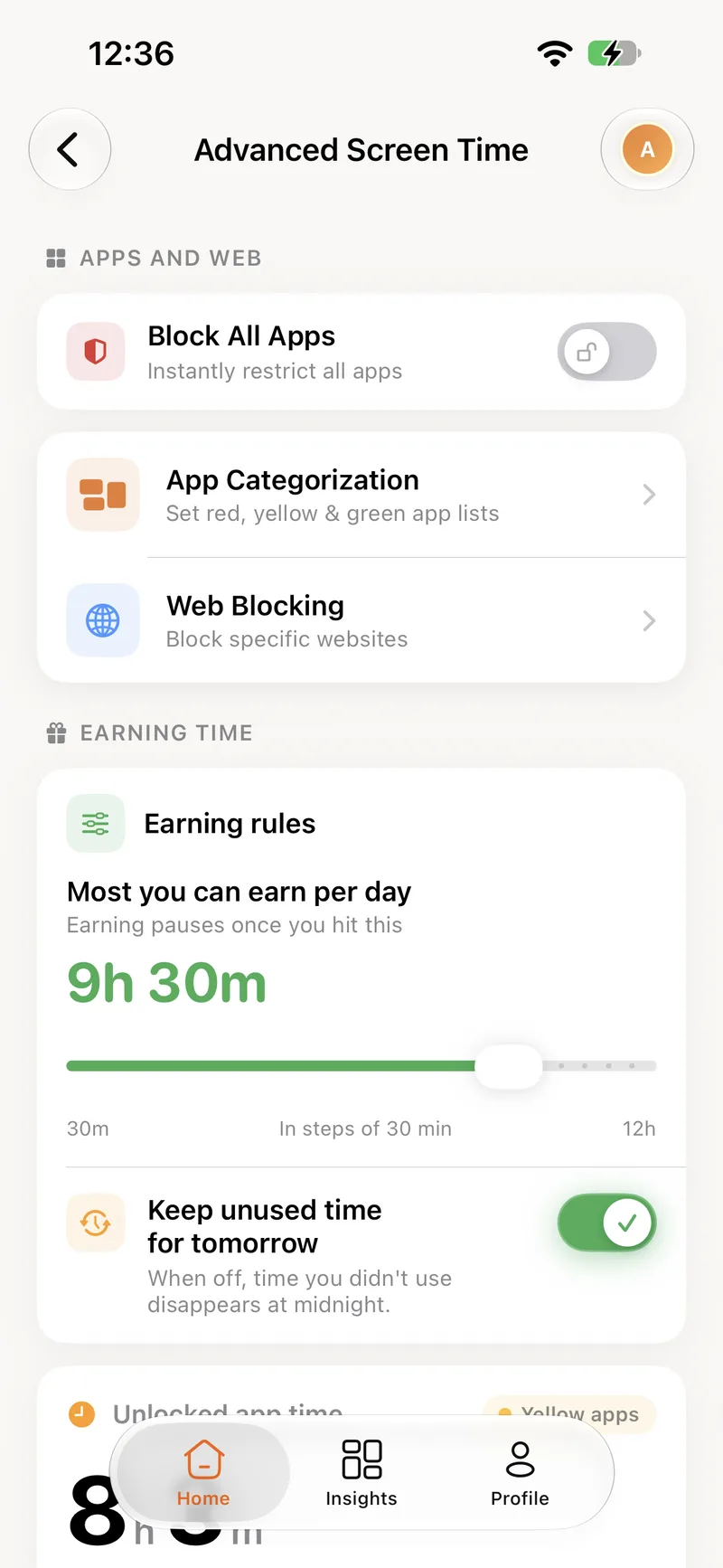
Flip one switch on your phone and every app on your child's phone locks, whatever zone it is in. Flip it back and the zones take over again, with the earned balance untouched.
- Applies within moments over the internet
- Nothing is lost: earned minutes wait until it is off
- Set from your own phone, per child
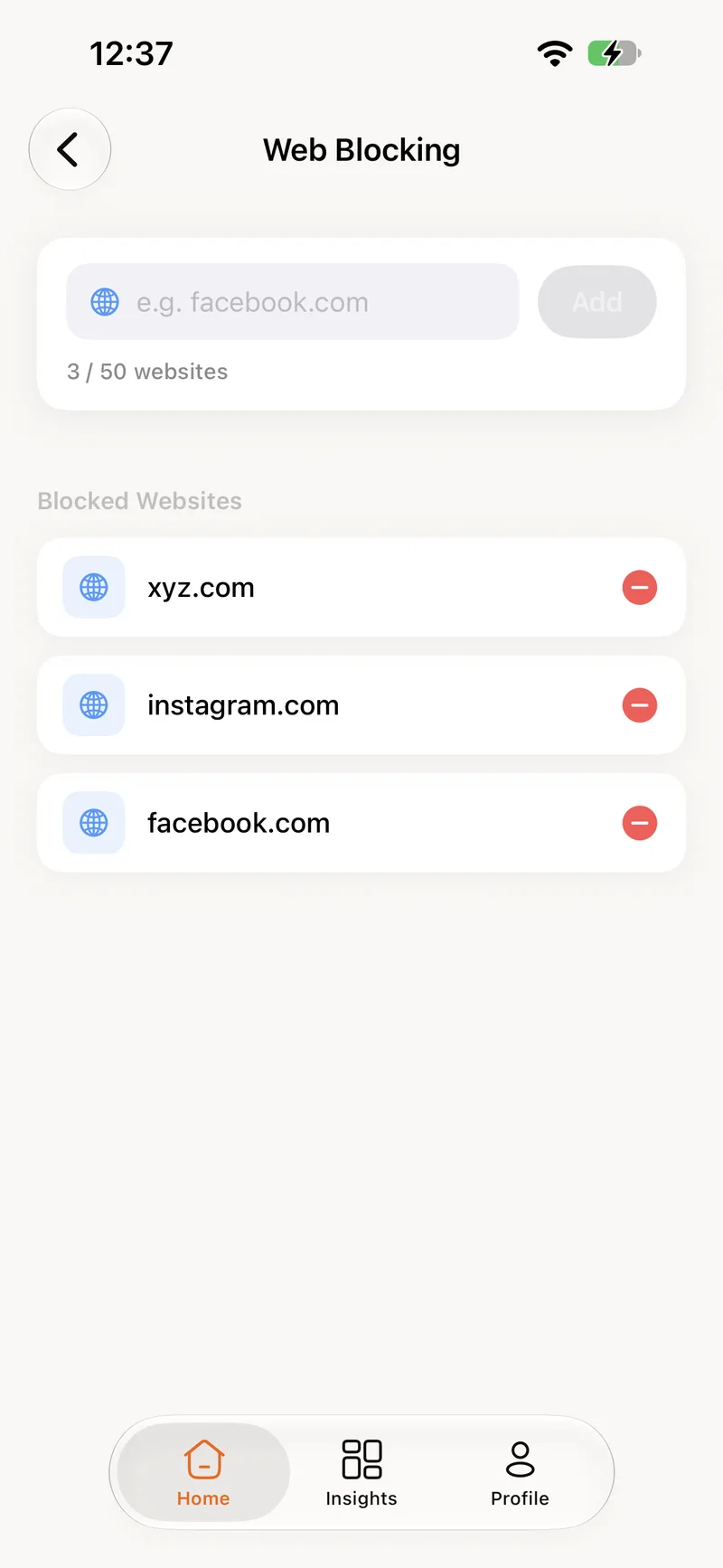
Block the sites that should not open
Type a domain, tap Add, and it is blocked in Safari and other browsers on that phone. Up to 50 sites per person, with the list synced from the parent's phone.
- Works in Safari and third-party browsers
- Up to 50 websites per child
- Remove a site with one tap
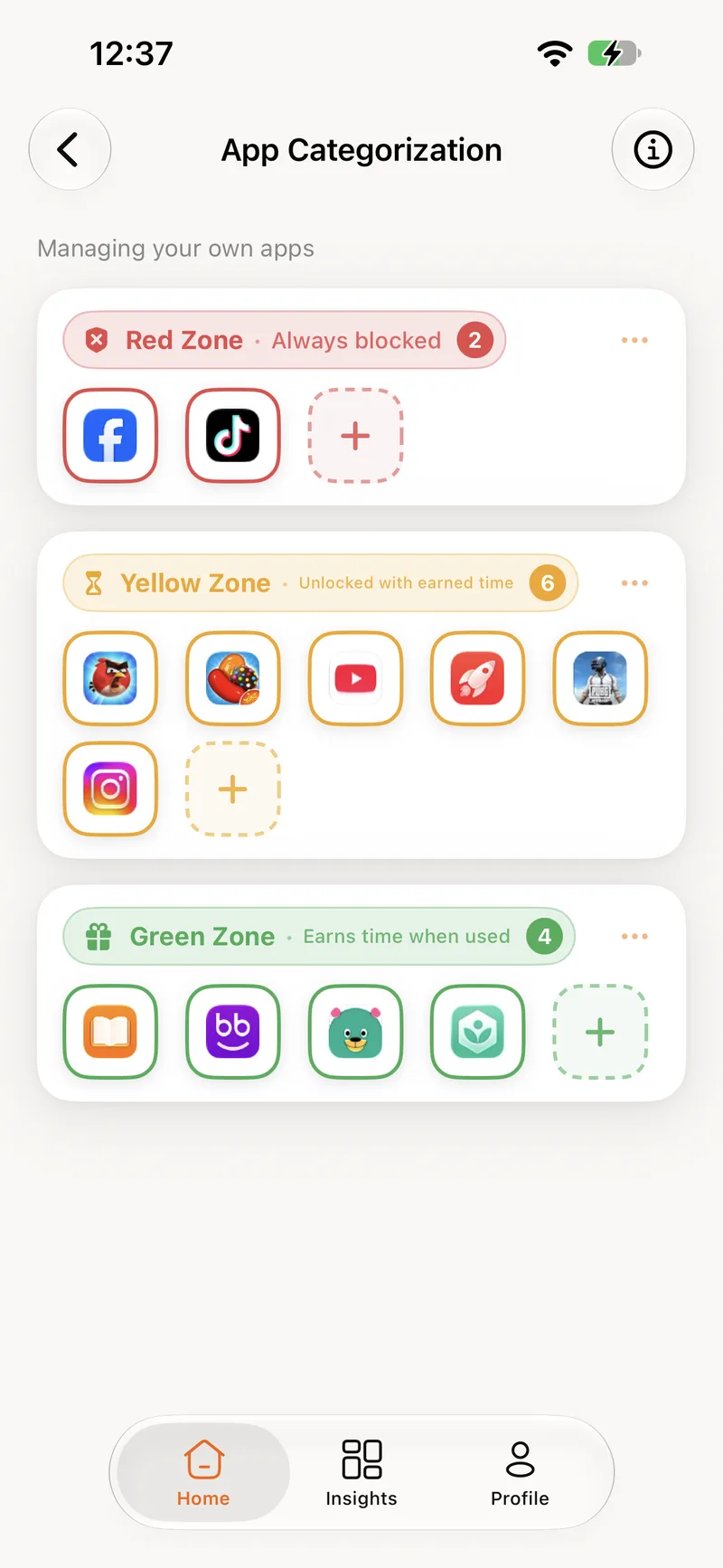
Permanent blocks, without deleting anything
Block All is for a moment. The red zone is for good. Apps you put there stay installed but never open, and earned time does not apply to them.
- No arguments about deleting apps
- Earned time never unlocks a red app
- Change your mind any time
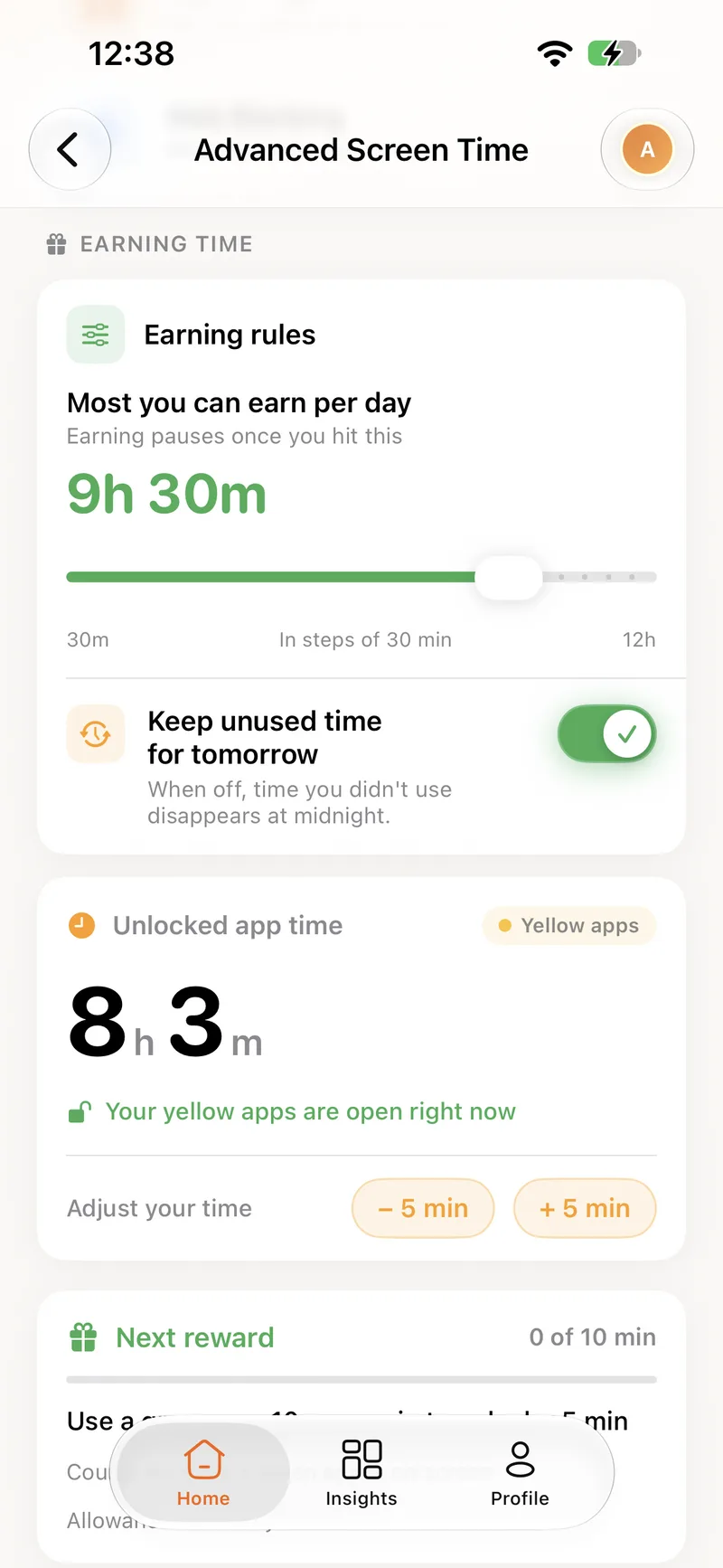
Cap the day, decide what carries over
Two rules shape how much yellow time a day can hold. The daily cap stops earning once it is reached, and the carry-over switch decides whether leftover minutes survive midnight.
- Daily cap from 30 minutes to 12 hours
- Keep unused time for tomorrow, or let it expire
- Set per child, changeable any time
One switch for everything. A list for the web.
For the moments the zones are not enough: dinner, bedtime, a bad day. Try the controls below. They behave exactly as they do in the app.
Block All Apps
Instantly restrict all apps
Off. The zones are in charge: green open, yellow while there is time, red locked.
Web Blocking
Block specific websites
2 / 50 websites
- example.com
- videosite.tv
Earning rules
How much can be earned, and what happens to it
Most you can earn per day
Earning pauses once you hit this
9h 30m
Keep unused time for tomorrow
Whatever is left at midnight is still there in the morning.
About blocking
Block All restricts the apps on the phone, but emergency calls always work on iOS.
Ready to turn screen time into brain time?
Create your account here, install the app, and you are set up in a few minutes.